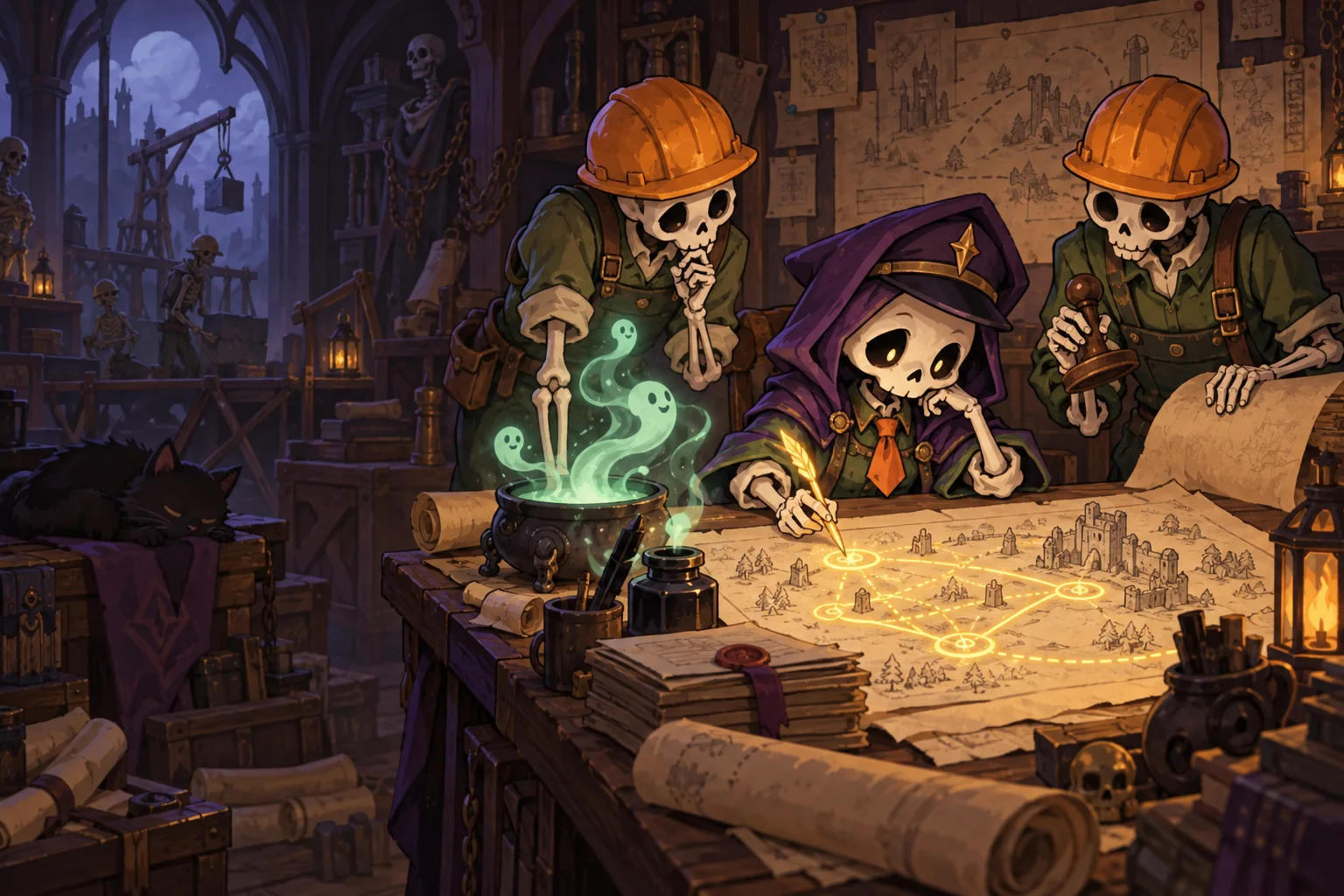
A line on the battlefield looks like a simple order. In Necromancer for Hire, it also has an expiry date. Here is what that changes in a fight.
Drawing contracts · footage from the English 0.3.4 build, before 0.4.0
Draw a position, gather a squad
Hold the mouse button and draw a line. Nearby fighters of the matching role gather along it: contractors, Guards or Clerks, depending on the contract. Your stroke marks the place where you need a formation.
Shape is only part of it. A nearby line picks up local fighters; it will not summon every reserve from across the battlefield. A longer contract has more room, but costs more mana. One stroke decides where to stand, who can join and how much to spend.
A defence you have to revisit
A contract fades segment by segment. Each expired segment triggers its fighters’ order along the arrow: infantry charge, shields move their front, ranged fighters begin directed fire. The defence does not simply disappear; it turns into action in stages. Draw over the line to extend the lifetime of the segments you touch.
That creates a small decision throughout the battle: renew a familiar position, or spend the mana somewhere else? If enemies reach the Cauldron while your fighters are still up front, a closer contract or a chain of lines can help move the defence back. The cost of a mistake is visible on the battlefield.
One slingshot, three different outcomes
In version 0.4.0, releasing a formation makes the roles especially distinct. Contractors charge. Guards move as a connected front and keep their shields facing the same direction when retreating. Clerks stay at their posts and deliver a directed barrage.
The drawing is just the start of an order. Where to place a formation, where to aim it and when to release it are three separate decisions. The aiming preview and hints are there to help you read the outcome before letting go.
What we want to hear from players
This is a look at a mechanic already in the game, rather than an announcement of the next release. We want to understand when renewing lines feels like a satisfying rhythm and when it becomes busywork. After a battle, tell us: do you tend to redraw the old position or find a new one? And which order actually saved your Cauldron?
Loading is now visible when entering a campaign battle from its briefing. A second click cannot start another battle; a failed load returns to the briefing.
Clerk projectiles have clearer trails and cores. Enemy crypts use a short label beside the building.
The first lesson explains Shift. Tutorial shapes stop animating after six seconds, and the D example is clearer.
Optional Commission help is available through Pause → How to Play → Help draw a Commission. Use the wheel to set the size, click to pin five guides, then draw a separate continuous stroke by hand.
While help is enabled, the old tutorial pentagon is hidden; Esc restores the normal example. There is no stamp or automatic closure. Shape costs and recognition, campaign pacing and Swamp balance are unchanged.
Contractors charge, guards move a cohesive front and keep their shield facing when retreating, and clerks stay at their posts and fire a directional rolling barrage.
Pull distance sets the reach of guard and clerk orders. The preview shows the path; obstacles mark only blocked firing lanes.
Figure eights and D shapes are recognised more reliably with sparse mouse movements. The pen shows closure, missing mana, locked shapes and the expected result; a corrected shape can replace a matching ordinary line.
Staffing and shape charge are shown separately. An early release warns that the special effect is not ready; How to Play and hints are updated in Russian and English.
Some sparse, ambiguous outlines still become ordinary lines; the Archives tutorial needs more work. We welcome feedback on how useful the new orders feel in live battles.
Online play is incompatible with versions before 0.4.0: both players and the server need 0.4.0. Service availability is checked separately from the release version.
Skeletons at the edge of the map join contracts drawn nearby. Reserves at home no longer cross half the map to reach distant lines; bring them there with a nearby line or Rally.
Removed the hitch when a new enemy type first appears. A hand-drawn pentagon is no longer mistaken for Cordon, and D shapes are recognized almost every time. Click anywhere on an amendment card to select it.
Left-handed mode swaps the mouse buttons in battle. There's also inverted scrolling and personal map records, shown in battle results, on map cards and in the Dossier's Records tab.
Skirmish: opponent lines use a different tint; play against a bot directly from the lobby; three bot difficulties, side selection and a Different Field option. The slingshot lesson is now on Archive, and the Gatehouse is cheaper with more staff.
Online 0.3.3 is incompatible with 0.3.2. Online Skirmish, statistics and comments are temporarily unavailable due to the 11 October Yandex Cloud incident. After service is restored, the server will be updated and online 0.3.3 will work.
The tutorial voice names your current key, including rebound keys, at the right point in the instruction: “…hold and release the ability key. E. Your formation will move faster…”, instead of appending it after the entire sentence.
The anonymous statistics prompt now appears in the main menu on first launch, instead of after the first battle.
Later, Esc and the close button do not save a choice. Only No, Thanks records a refusal. You can change your choice in settings.
The battle simulation is unchanged: Skirmish works between 0.3.1 and 0.3.2.
Only reserves at home — by the Cauldron or your buildings — join contracts automatically. Those closest to the line go first.
A squad left in the field after a charge or Rally no longer runs across the map. Only a contract drawn nearby or Rally will pick it up.
The draft contract accurately previews who will join. Rings also mark fighters coming from home, and the label might read “recruits 12 (5 from home) / 14 slots”.
Online Skirmish does not work between 0.3.0 and 0.3.1. Both players need to update.
A major polish pass: progression, sound and visuals
Clearer progression: choosing Play Again after a victory no longer loses an amendment. The Dossier explains the requirements for all 20 cards and what each of the ten grades unlocks.
Hints and lessons name your keys: rebind Q to Z and you'll see Z everywhere. Statistics consent is requested after the first battle, with a Later option.
New sounds for casts, hits, combos and construction. Longer music, with distinct themes for the final wave, boss and menu.
Settings now include Screen Shake, Flashes and World Atmosphere. The Soul Cauldron pulses and recoils when hit.
Idle reserves automatically join matching lines. The Skirmish bot is smarter: it releases squads into the flank of passing columns.
More reliable map generation, two death variations for fighters, and an advance wind-up for the Foreman's attack.
After a victory, choose one of three powerful, distinct contract amendments that lasts for the run. Three can be active; a fourth replaces one of them.
Shapes: Ritual is a triangle, Square Formation is a square. Releasing a charged shape triggers a special strike. New additions: Committee for Eternal Rest and Penalty Clause.
The slingshot grabs one shape and aims it along the pull direction. The neighboring shape stays put.
Every screen can be used with the mouse. There's now a pause button in battle.
An Artifact Dossier is available while paused, and battle analysis shows where damage to the Cauldron came from.